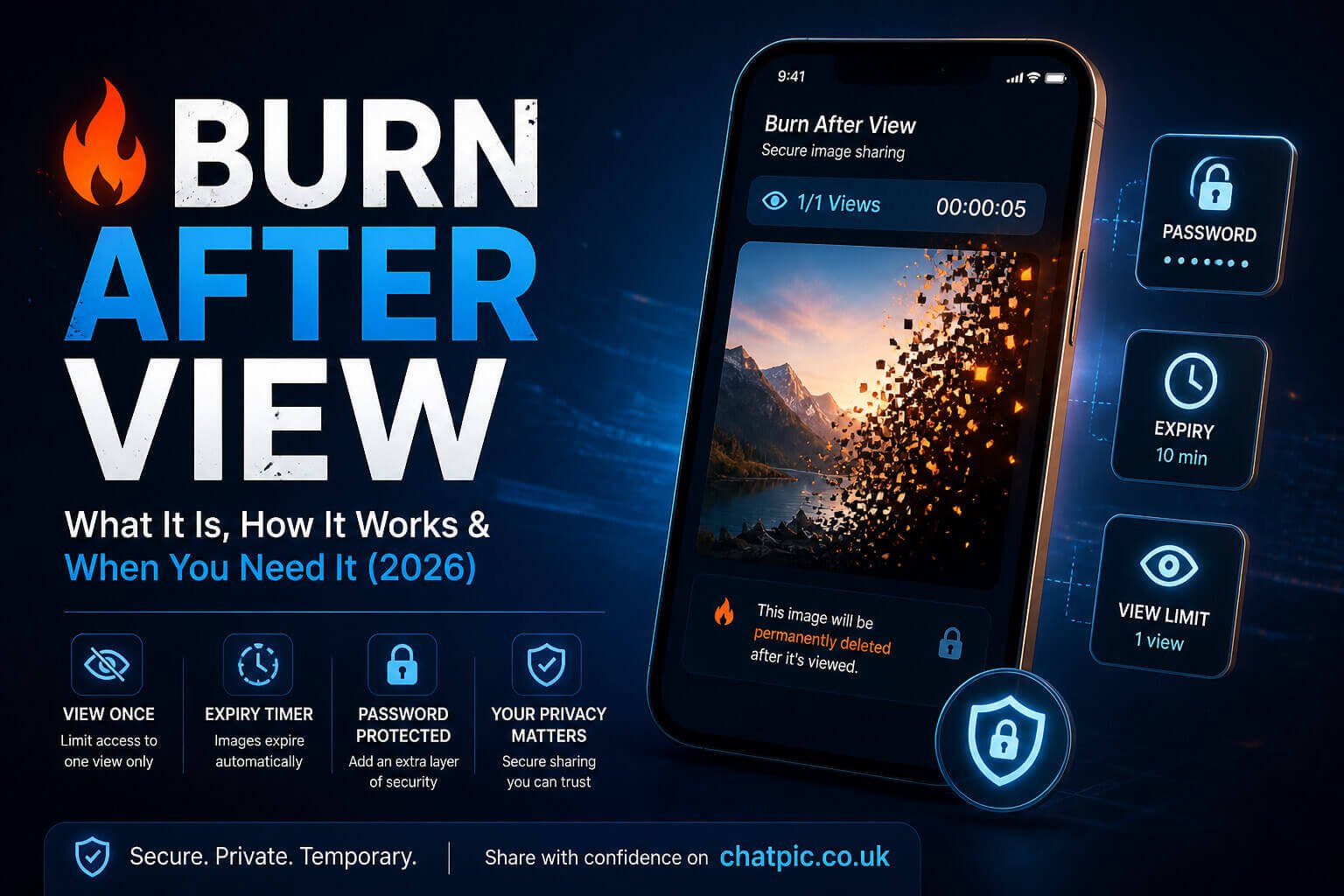
Burn After View: What It Is, How It Works & When You Need It (2026)
Burn after view is a feature that deletes an image permanently the moment the first person opens the link. Not after a day. Not after a week. After a single view. Once someone opens it, it is gone — from the server, from public access, from everywhere the platform controls.
The name comes from spy fiction — the message that self-destructs after being read. In digital reality, it is a view-limit set to exactly one, combined with immediate server-side deletion of the file when that view is recorded.
This guide explains precisely how it works, what it genuinely protects versus what it cannot protect, and when it is the right tool for your situation.
How Burn After View Actually Works
When you upload an image and enable burn-after-view (sometimes called view-once or self-destruct), the platform generates a link with a view counter initialised at zero and a maximum set to one.
Every request to load that link — whether from a browser tab opening it, a link preview generator in a messaging app, or an automated bot — checks the current count against the maximum. On the first legitimate view, the count increments to one, the maximum is reached, and the system immediately triggers deletion of the hosted file and deactivation of the link.
From that point forward, any attempt to load the URL returns an error. The file is gone from the server. The link is dead.
There are important nuances in how different platforms implement this:
- Link preview generators are a problem: When you paste a burn-after-view link into WhatsApp, Telegram, iMessage, Slack, or any platform that generates previews of shared links, that platform’s server fetches the URL to generate the preview card. If the platform counts this automated fetch as a view, your link is burned before the intended recipient ever opens it manually. Quality implementations of burn-after-view either detect and ignore automated user-agent requests, require a confirmation step (“click to reveal”), or use a JavaScript-rendered viewer that automated fetchers cannot trigger. Check how your platform handles this before using burn-after-view for anything time-sensitive.
- Browser preloading can trigger a view: Some browsers preload links in anticipation of the user clicking. This can consume a burn-after-view before the user intentionally opens it. Again, a confirmation-step design avoids this.
- The file deletion is server-side only: If the recipient’s browser cached the image after loading it, a copy may exist in their local browser cache. This is a standard browser behaviour and does not represent a failure of the burn-after-view system — it is simply how HTTP caching works. The image in cache exists only temporarily and only on that specific device.
What Burn After View Protects You From
- Forwards and reshares via the link: Once the link is burned, nobody — not the intended recipient and not anyone they share the URL with — can open it again. The URL itself becomes permanently non-functional. This is the core protection burn-after-view provides: it prevents the shareable link from circulating indefinitely.
- Accidental over-distribution: If you send a sensitive image to someone and they accidentally forward the link to a group chat, only the first person in that group to click it will see the image. Everyone else gets an error. This is meaningfully different from a permanent link, which every person in that group could access.
- Server-side data persistence: For platforms that genuinely delete the file on burn, the image no longer exists on any server after viewing. This reduces the risk of data breaches at the hosting provider exposing your content — if the file is not there, it cannot be stolen.
- Reducing the window of exposure: Even if someone discovered the link through search engine caching, archive services, or URL scanning, the link would already be dead by the time they tried it. This is especially valuable for highly sensitive content where you want the exposure window to be as small as possible.
What Burn After View Cannot Protect You From
- Screenshots: This is the most important limitation to understand. Once the image is displayed on the recipient’s screen, they can screenshot it. The screenshot lives on their device permanently and is completely outside the control of the platform or the link. No burn-after-view implementation prevents screenshots — they happen at the device hardware level, below where software can intervene.
- Screen recording: Similarly, a recipient can screen-record themselves viewing the image. Same outcome, same limitation.
- Photography of the screen: The recipient can photograph their screen with another device. This cannot be prevented technically.
- The view itself: Burn-after-view limits repeat access. It does not prevent the recipient from seeing the image the first time. If you need to share something with someone, they will see it. The protection is against future access, not the initial viewing.
The Right Situations for Burn After View
Burn after view is a specific tool for specific situations. It is not a general-purpose privacy feature — for most image sharing, a standard expiring link or even a permanent link is more appropriate.
- One-time verification images: If you need to share a document, identity proof, or confirmation image for a one-time verification process, where there is no legitimate reason for the recipient to access it again later.
- Sensitive personal images shared in private communication: When sharing intimate or personal content with a specific person whom you trust to view it, but where you want to limit the technical possibility of them sharing the link.
- Confidential business data disclosed once: Pricing information, internal presentations, or proprietary visuals shared for a single review where you want to ensure the hosted version disappears after the meeting.
- Legal or compliance contexts where access logs matter: Combined with analytics, burn-after-view creates a clear record — this link was opened once, at this time, from this location. For dispute resolution or audit purposes, this creates cleaner documentation than a permanently accessible link.
How to Create a Burn After View Image Link Free
ChatPic.co.uk’s image sharing tool supports burn-after-view links with no account required.
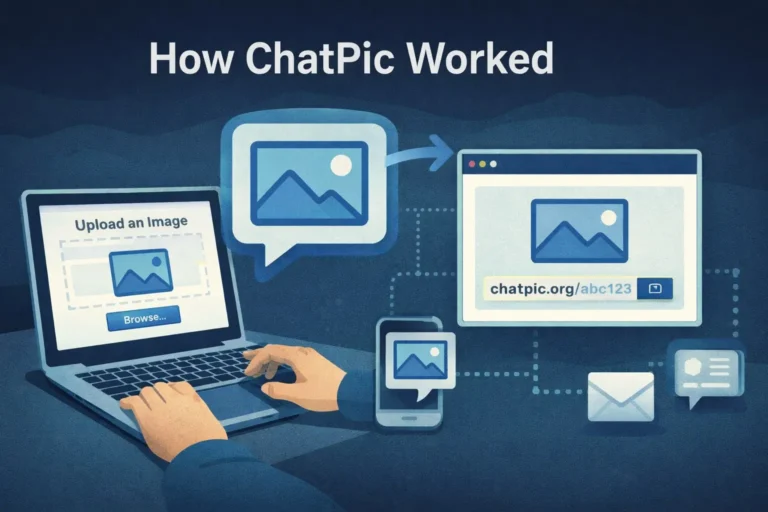
Upload your image, set the view limit to 1 (or select the burn-after-view option where available), and generate the link. Share it with your intended recipient. After they open it, the image is removed from public access, and the link returns an error for all subsequent requests.
For additional protection, combine burn-after-view with password protection — the recipient needs both the URL and the password to view the image, preventing accidental consumption of the view by automated link previewers or anyone who receives the URL but should not have.
Burn After View vs Screenshot Notifications: What Is the Difference?
These two features are often confused because they both relate to controlling what happens after an image is shared. They are completely different in what they do.
- Burn after view is a server-side access control. It limits who can technically retrieve the image file from the server after the first view. It operates at the infrastructure level. The image is gone from the platform after one access. Read our full guide on whether screenshot notifications actually work for the detailed comparison.
- Screenshot notifications are an application-layer alert system. They detect when a screenshot is taken within a specific app (like Snapchat or some messaging apps) and notify the sender. They do not prevent the screenshot — they only inform you that one was taken. They are entirely app-dependent and trivially bypassed by photographing the screen with another device.
The practical takeaway: burn-after-view controls the server-side access window. Screenshot notifications inform you about device-level capture. Neither prevents the other’s failure mode. For maximum protection on genuinely sensitive content, you need both — plus forensic watermarking, which embeds identifying information in the image that survives even screenshots.
Frequently Asked Questions
What happens if the link is burned by a link preview generator before the intended recipient opens it?
You receive an error when the recipient tries to open it, and they never see the image. This is a genuine implementation problem with some platforms. ChatPic.co.uk’s burn-after-view implementation uses a click-to-reveal confirmation step that prevents automated fetchers from triggering the view. Always test your platform’s behaviour in a messaging app before sending anything critical.
Can I burn a link myself before the recipient opens it?
Yes, through the share dashboard. ChatPic.co.uk’s private dashboard gives you a “Burn & Delete Now” option that immediately removes the hosted file and closes the link regardless of view status. This is useful if you change your mind after sending.
Is burn after view the same as one-time view or view-once?
Yes — these are different names for the same concept: a link that expires after a single view. The naming varies by platform.
Does the recipient know the image will burn after viewing?
On ChatPic.co.uk, the view page clearly indicates the image will be removed after viewing, so the recipient understands the access is single-use. This is also visible if they try to reload the page after viewing.
Can I set burn after view for multiple images in one share?
Yes. ChatPic.co.uk allows up to 10 images in a single share. When burn-after-view is enabled on a multi-image share, the entire share is burned after the first session opens it — all images in the set become inaccessible simultaneously.