How ChatPic Worked
ChatPic.org was built around one idea: remove every step between a person and sharing an image online. No account. No email. No forms. Just open the site, choose a photo, and share a link.
That sounds simple — and it was. But the technical decisions behind that simplicity are what made ChatPic both extraordinarily popular and ultimately impossible to sustain. This guide breaks down exactly how the platform worked: the upload process, the channel system, the community features, and the design choices that defined its rise and fall.
If you are looking for the broader story — why ChatPic shut down and what alternatives exist today — read the complete ChatPic guide. This article focuses specifically on the mechanics.
The Core Design Philosophy
ChatPic was built on a philosophy of zero friction. Every feature decision was evaluated against one question: Does this create a barrier between the user and sharing an image?
Account creation? Barrier. Removed. Email verification? Barrier. Removed. File size limits with error messages? Barrier. Handled automatically with silent compression. Download buttons that required a login? Barrier. Removed entirely.
The result was a platform that any person, on any device, with any level of technical knowledge, could use successfully in under 60 seconds with no prior experience.
This philosophy was not accidental. It was a deliberate product decision that differentiated ChatPic from every mainstream image-sharing platform at the time — all of which were moving in the opposite direction, adding more sign-up steps, more profile requirements, and more social features.
The Upload Process: Step by Step
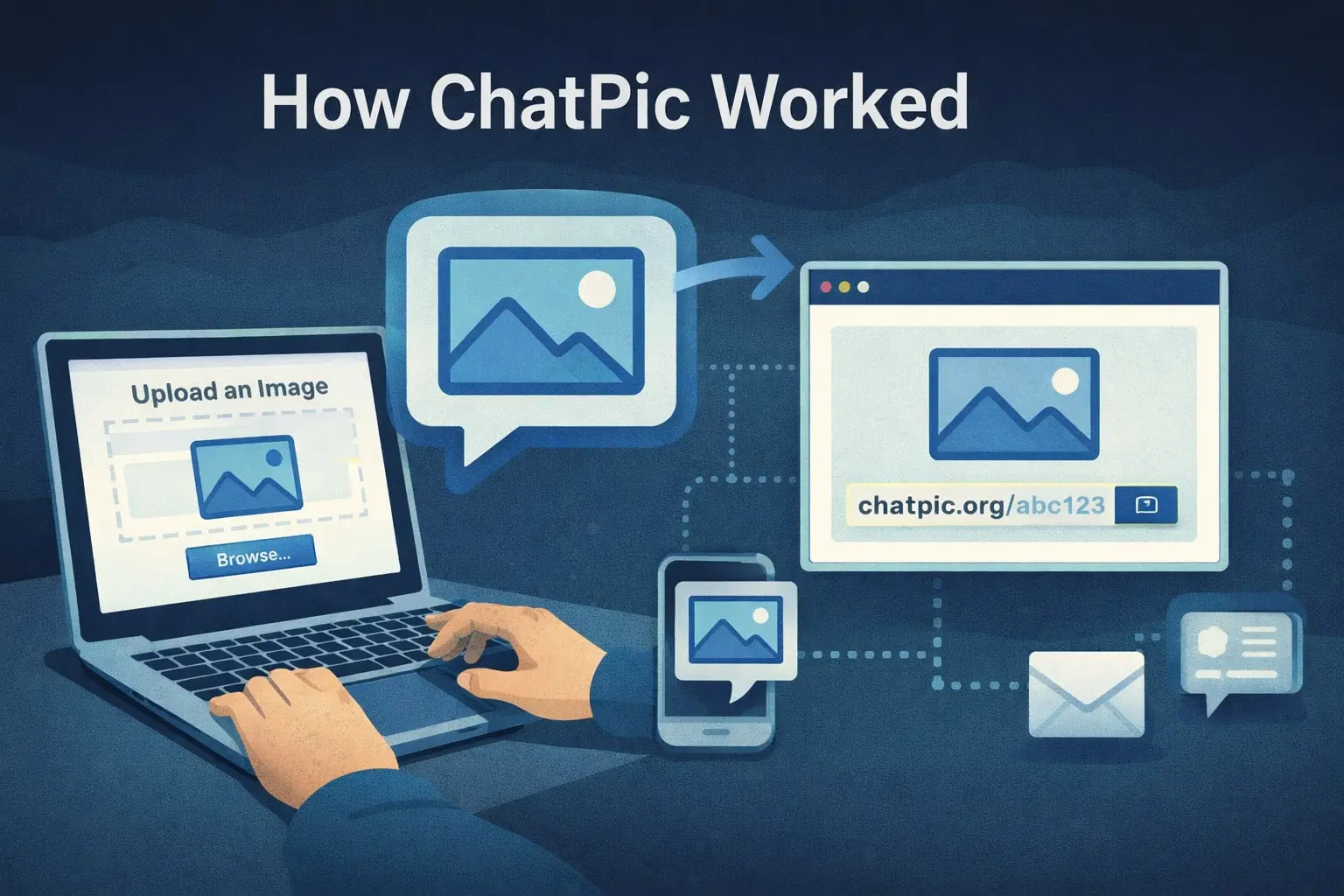
The core upload flow had four stages that ran from opening the site to having a shareable link. There was no variation, no options to configure, and no decisions to make.
Stage 1: Opening the Site
ChatPic.org loaded as a single-page application with a clean, minimal interface. On mobile, it filled the screen with a simple layout. On the desktop, it presented a central upload area with a category navigation bar along the top or side. No pop-up windows, no cookie consent interruptions in the early years, no mandatory tutorial.
The interface loaded quickly, even on slow mobile connections, because it was intentionally lightweight. No heavy JavaScript frameworks, no high-resolution hero images, no autoplay video. The page’s job was to get you to the upload button as fast as possible.
Stage 2: Selecting Your Image
Tapping or clicking the upload area opened your device’s native file picker — the same one used by every other app on your phone or computer. You selected your image file. JPEG, PNG, and GIF formats were all supported. Animated GIFs retained their animation after upload.
There was no crop tool, no filter, no editor. ChatPic did not attempt to be a photo editing product. Its job was hosting and sharing, and it stayed focused on that.
Stage 3: Automatic Upload and Compression
Once you select a file, the upload begins immediately with no confirmation step. ChatPic’s server received the file and automatically compressed it to reduce file size while preserving acceptable visual quality. This compression happened server-side — the user did not see it or control it.
The compression served two purposes. It reduced storage costs for the platform and reduced load times for viewers, which was particularly important for mobile users on slower connections. Most images were ready within three to eight seconds of selection.
Stage 4: Receiving the Shareable Link
Immediately after processing, ChatPic displayed a unique URL pointing directly to the hosted image. This URL could be copied and pasted into any text field, forum post, messaging app, or social media platform that accepts links or embedded images.
The URL format was simple and short — short enough to share in a text message without a URL shortener. The image at that URL was publicly accessible to anyone with the link, on any device, without any account requirement on the viewer’s side, either.
No record was created linking your device, IP address, or any identifier to the uploaded image in any way visible to the user. The link was the only connection between you and the image.
The Channel System: Rooms and Communities
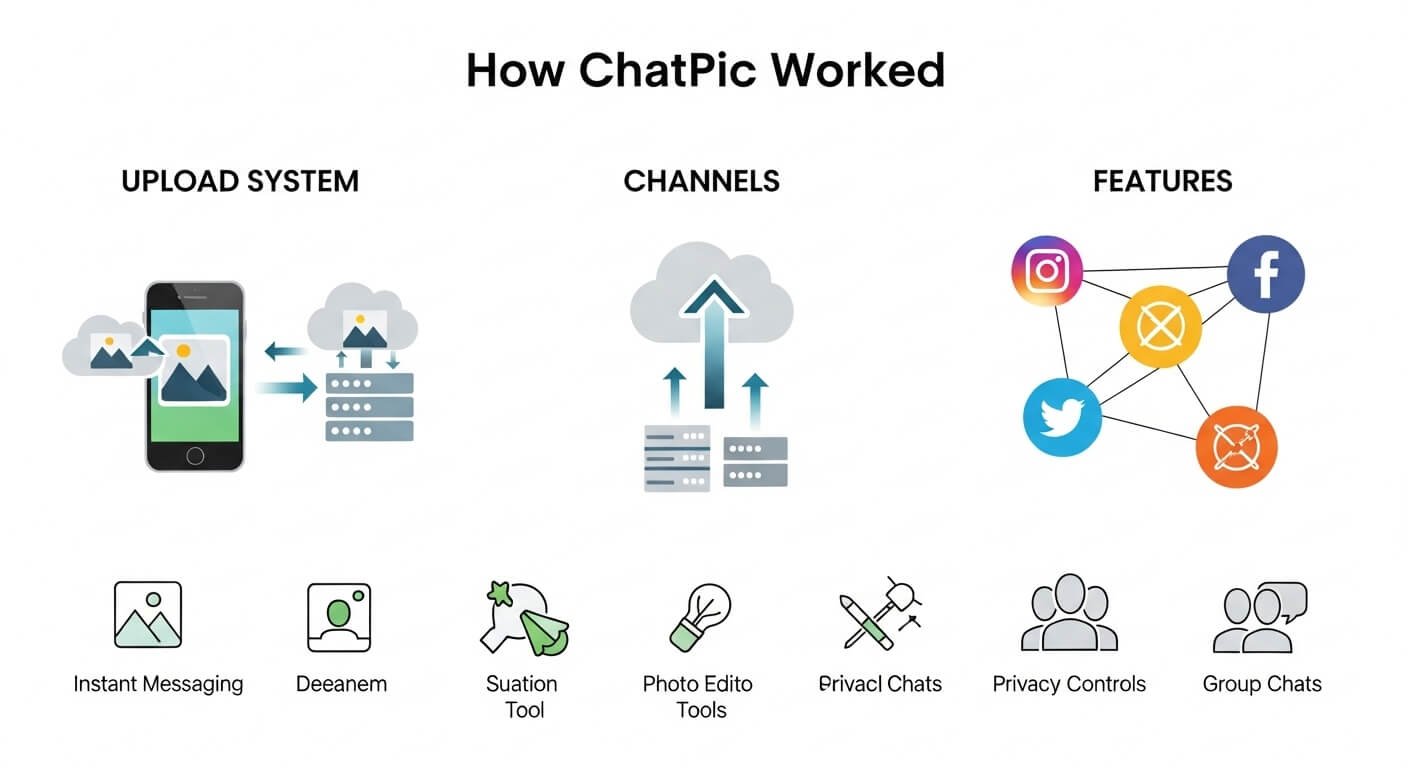
Alongside individual image hosting, ChatPic operated a community layer built around channels — topic-focused rooms where users could browse, post, and comment without any account.
How Channels Were Structured
Channels were organised by topic category. Each channel had a name, a theme, and a feed of the most recently uploaded images. The main categories included:
- Photography — professional and amateur photography, portraits, landscapes, and street photography from users worldwide.
- Memes — viral images, reaction content, and humour from across internet culture.
- Wallpapers — high-resolution desktop and phone wallpaper images, organised by style and resolution.
- Nature — wildlife, landscape, plant, and weather photography.
- Gaming — screenshots, fan art, and community content from video games.
- General — everything that did not fit a specific category, functioning as a catch-all community feed.
The 100-Item Cap and Auto-Deletion
Each channel held a maximum of 100 media items at any one time. This was a hard technical limit, not a guideline. When the 101st image was uploaded to a full channel, the oldest image was automatically and permanently deleted from the server to make space.
This design choice kept the platform’s storage requirements bounded and predictable. It also meant that ChatPic was intentionally ephemeral — content was not designed to be permanent. Images cycled through and disappeared, which reinforced the platform’s temporary, low-stakes atmosphere.
Voting and Reactions
Users could vote on images in channels using a simple upvote and downvote system — no account required to vote. Images with higher votes did not necessarily rank higher in the feed (the feed was primarily chronological), but voting gave users a way to express reactions without needing to post a comment.
The Comment System
Under each image in a channel, a comment thread allowed any visitor to post text responses. Comments were posted without any username, profile, or persistent identity. You were simply “a user” — indistinguishable from any other commenter unless you chose to identify yourself in the text of your comment.
This produced a community dynamic that was simultaneously more honest and more volatile than mainstream social platforms. Without reputation systems, follower counts, or identity stakes, conversations tended toward directness. The comment sections attracted everything from genuine appreciation and creative discussion to abuse and harassment — with no moderation mechanism in place to differentiate between them.
Image Discovery: Browsing Without an Account
One underappreciated feature of ChatPic was how well it worked as a content discovery platform, not just an upload tool.
Visitors who arrived with no intention of uploading could browse channel feeds, explore categories, vote on images, and read comment threads — all without any account or registration prompt. There were no paywalls on content, no “log in to see more” interruptions, and no algorithmic pressure to sign up.
This made ChatPic function somewhat like a simplified Reddit for images — a place to browse visual content organised by topic, where the barrier to participation was essentially zero.
The browsing experience was clean enough that many users returned regularly without ever uploading anything themselves, simply treating it as a low-noise image discovery platform.
Mobile Experience
ChatPic’s mobile experience was a significant factor in its growth. While most image-sharing platforms in the 2014–2020 period were either app-dependent or poorly optimised for mobile browsers, ChatPic’s web interface worked well on both.
The upload flow was tap-accessible on smartphones. The file picker integrated naturally with mobile camera rolls. Images loaded at appropriate resolutions for smaller screens. Comment sections were readable without zooming.
Crucially, the platform never required a native app download. Users on Android and iOS could use the full feature set through their browser, which eliminated a significant barrier for users who did not want to install another app or grant another app access to their photos.
Why the Design Failed at Scale
Every feature described above was a deliberate choice to maximise openness and minimise friction. Those same choices created the conditions that made the platform unsustainable.
No accounts meant no identity trail. When harmful content was reported and removed, the person responsible could return immediately with no way to be identified or blocked. The platform had no technical mechanism to prevent the re-upload of the same content by the same bad actor.
No moderation system meant no proactive protection. Content was only removed reactively — after it had already been seen by thousands of people and after a report was filed and acted on. At 102,000 daily visitors, the volume of potentially harmful content exceeded what reactive moderation could manage.
The 100-item auto-deletion meant evidence was regularly destroyed. Content that should have been preserved for legal investigations was automatically deleted as part of normal platform operation.
The anonymity that users valued was the same anonymity that made the platform a refuge for the worst kinds of misuse. These were not separate problems — they were the same problem seen from two different directions.
For the full account of what happened as a result, read the ChatPic shutdown story.
Frequently Asked Questions
How long did it take to upload an image on ChatPic?
On a standard mobile or broadband connection, the process from selecting an image to receiving a shareable link took between three and ten seconds. On slower connections, it could take up to 30 seconds, but the platform was optimised to complete the process as quickly as possible.
Did ChatPic store images permanently?
No. Images in channels were subject to auto-deletion when newer content was uploaded. Direct-link images (outside channels) had no guaranteed storage duration. The platform was designed for temporary sharing, not long-term storage. This is why images from the original ChatPic.org cannot be recovered today.
Could you delete an image you uploaded to ChatPic?
No. There was no account, so there was no ownership record. Once an image was uploaded, there was no mechanism for the uploader to delete it themselves. Only the platform operators could remove content, and only in response to reports.
What image formats did ChatPic support?
JPEG, PNG, and GIF were the confirmed supported formats. GIF animations were preserved. Very large files were compressed automatically. The platform did not support RAW files, HEIC, or video formats.
Did ChatPic track your location or IP address?
The platform did not display any tracking information to users and marketed itself as anonymous. However, all web servers technically log IP addresses in server access logs as a standard part of HTTP communication. Whether ChatPic retained, stored, or acted on these logs is not publicly documented.