ChatPic: How to Share Images That Self-Destruct After Viewing
Introduction
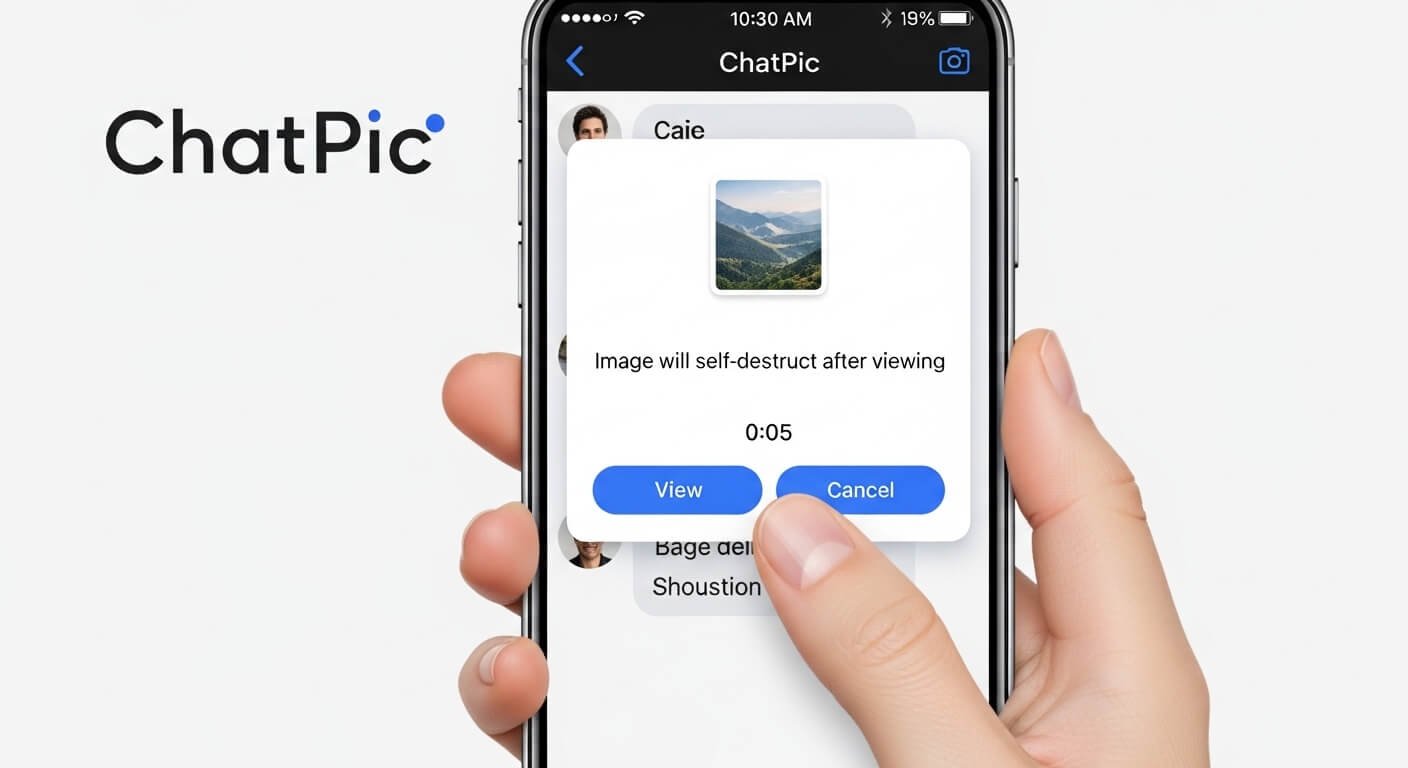
Sharing self-destructing images—photos or videos that automatically vanish after they’ve been viewed—is an increasingly popular way to protect privacy. Whether you’re sending a private meme, a confidential chart, or a personal photo, one-time view images ensure the content is not permanently stored on any server.
ChatPic is a free, no-signup platform built for exactly this kind of ephemeral photo sharing. In this guide, we’ll explain what self-destructing images are, why they matter, and exactly how to use ChatPic to send pictures that delete after viewing.
What Are Self-Destructing Images?

Self-destructing images are pictures or video clips that automatically delete or disappear after being viewed, or after a set period. They are sometimes called ephemeral images or disappearing photos. The concept became famous with Snapchat: back in 2012, Snapchat users could send a photo that would “self-destruct” in just a few seconds after the recipient opened it.
In general, once a self-destructing image is viewed, it’s no longer accessible to the viewer or any servers hosting it. For example, Picallow’s blog explains that such platforms “allow you to share photos with specific individuals or groups; the images will disappear after a set time”. In other words, these images provide a one-time glimpse, without leaving a permanent copy behind.
Why Use Self-Destructing Images?
Ever worry that a photo you share could end up on the internet forever? That’s a common concern in today’s digital age. Self-destructing images solve this by giving you control over how long a photo lives online. By design, these images minimize privacy risks.
As Picallow notes, a major benefit is that on a self-destructing platform, “your photos are automatically deleted after a while, so they can’t be shared without your consent”. This means once the timer expires or the photo is viewed, it’s gone for good, preventing unwanted copying or reposting.
Users turn to self-destructing images for many reasons:
- Privacy: You can share sensitive or personal photos knowing they won’t remain on someone else’s device or cloud permanently.
- Security: Ephemeral images reduce the risk of unauthorized access or future leaks. For example, ChatPic itself became popular because it offered “fast, private” sharing with no data retention. Millions of users appreciated that ChatPic had “no storage limits, no hidden fees — ever”, and that photos could be shared without attaching any personal account.
- Peace of Mind: You won’t have to remember to delete images later — they vanish automatically. This is handy for embarrassing group photos or for sharing confidential documents in a chat.
In short, self-destructing images let you share freely without the worry that your pictures will haunt you later.
What Is ChatPic?
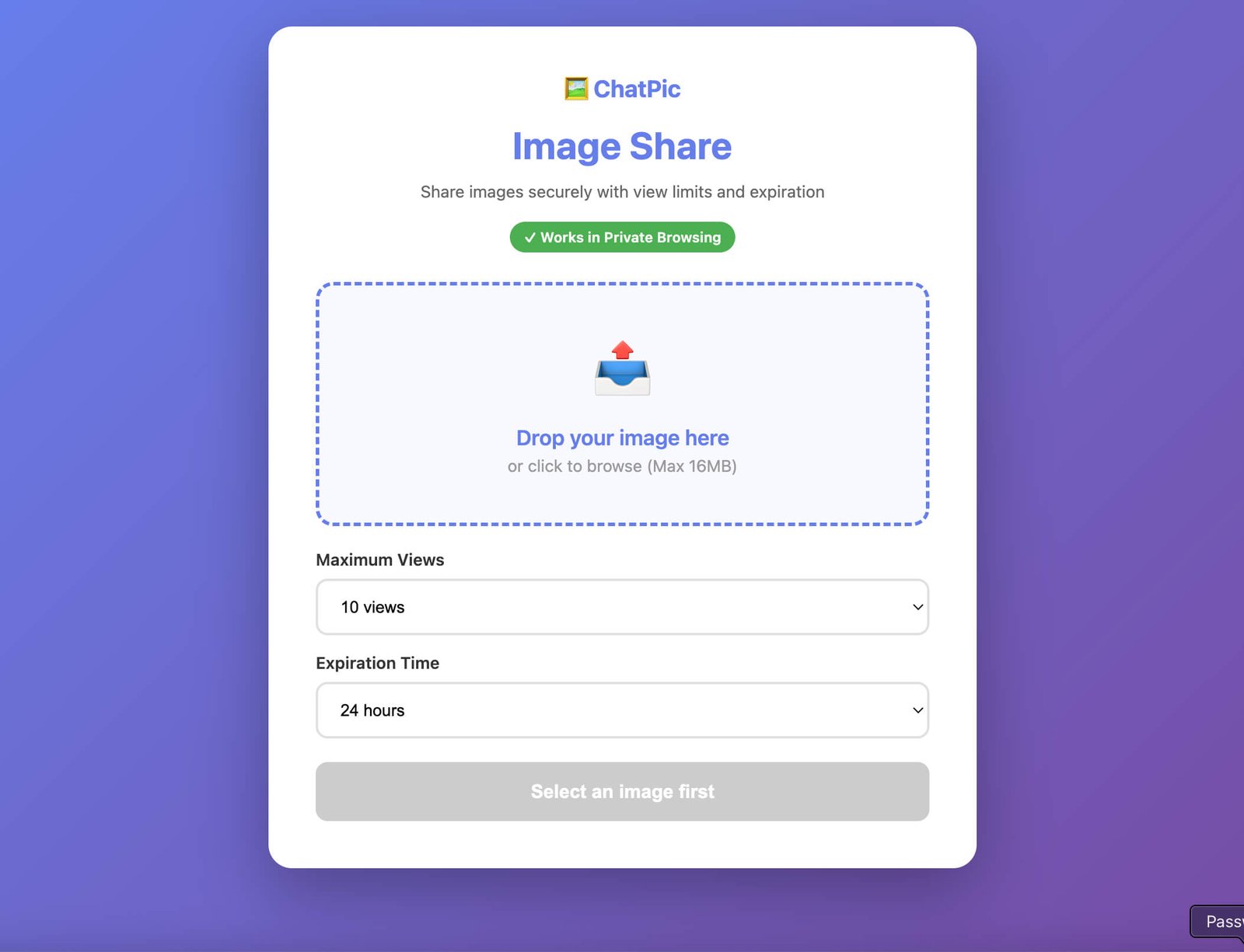
ChatPic is a free online service for instant, anonymous photo sharing. You don’t need to create an account, enter an email, or log in. ChatPic’s site emphasizes simplicity: “Upload and share any photo instantly — no account, no email, and no waiting”. It works on any device (mobile or desktop) and on any browser. According to the ChatPic website, “ChatPic is a fast, free image-sharing platform“ designed so you can “be sharing a photo in seconds”.
What makes ChatPic special is its focus on privacy and speed. There are no profiles, no followers, and no personal data required. The site explicitly states that ChatPic sessions are “ephemeral by design” and that “Photos are not permanently stored to a personal account”. In practice, this means once your ChatPic chat ends or images are viewed, they’re not hanging around on a server tied to you. You can create public rooms (for broad sharing) or private rooms (invite-only) to control who sees your images.
How to Share Self-Destructing Images with ChatPic
Using ChatPic to send one-time images is straightforward. Follow these steps:
- Open ChatPic: On any device, open your web browser and go to chatpic.co.uk. There is nothing to install – ChatPic runs right in your browser on desktop or mobile.
- Create or Join a Room: On the ChatPic homepage, click “Enter or Create a Room”. You can join a public room or make a private one. No login or personal info is needed. A private room is best if you want to limit access to your images.
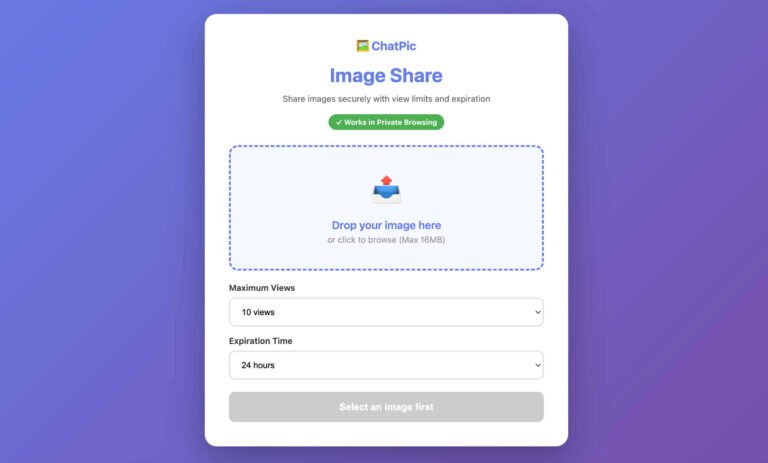
- Upload Your Image: Once in a room, click the upload button and choose an image (JPEG, PNG, etc.) from your device. ChatPic will automatically compress the photo so it still looks good but loads quickly. In seconds, your image is live in the room. (The site says that after you upload, the photo goes “live within seconds, with a shareable link ready to copy”.)
- Share and Self-Destruct: Copy the shareable link or let others in the room see the image. Because ChatPic is real-time and doesn’t store images long-term, once your viewers open the photo, it effectively disappears. In practice, as soon as everyone has viewed the image, it’s gone – ChatPic won’t keep a lasting copy.
Once the image has been viewed, you can simply leave the room. ChatPic ensures images won’t stay on a server or in your account (since there is no account). In this way, you’ve shared a photo that self-destructs after viewing.
Best Practices for Secure Image Sharing
While ChatPic makes sharing easy, follow these tips for even safer image sharing:
- Use Encryption When Needed: ChatPic is anonymous but not end-to-end encrypted. For highly sensitive images, consider adding your own password or using an encrypted service. For example, SecureShare (securesha.re) encrypts your file in-browser and lets you set how long or how many times it can be viewed. Wormhole.app also offers end-to-end encryption with expiring links so “your stuff doesn’t stay online forever”.
- Limit Your Audience: Create a private ChatPic room or only share links directly with your intended recipient. The fewer people who have access, the safer your image.
- Set an Explicit Timer: ChatPic doesn’t have a manual timer setting, but you can simulate it by telling recipients to only open the link once. Alternatively, tools like Picallow allow you to choose an exact time and date for the image to self-destruct.
- Beware of Screenshots: Even self-destructing images can be saved if someone takes a screenshot. Don’t send any photos you wouldn’t be comfortable with someone capturing. Always assume a savvy recipient could save it.
- Double-Check Before Sending: Before hitting send, verify you’ve selected the right image and room. Once an image is in the wild, it can’t really be recalled (even if ChatPic deletes it, the viewer already has it).
By following these steps—encrypting when possible, restricting access, and reminding viewers of the “view once” nature—you’ll get the privacy benefits of self-destructing images without adding unnecessary risks.
Use Cases for Self-Destructing Images
Self-destructing images can be useful in many scenarios. Here are a few common use cases:
- Private Messages: Sending a personal photo or a private joke to friends without it lingering. For example, share a surprise party location or a password snippet that disappears after someone sees it.
- Sensitive Documents: Transmit a confidential screenshot or scanned document that you don’t want permanently stored. Since the image auto-deletes, it reduces the risk of leaks.
- Event Photos: At parties or weddings, photographers can share one-time links to guests. The pictures can be viewed once and then gone, keeping the photo stream limited.
- Collaborative Projects: Teams can share draft designs or plans that expire after review, preventing outdated drafts from floating around.
- Social Media Stories: Think of ChatPic as a private “story” service – you can post a photo to a small group that automatically disappears, without using Instagram or Snapchat’s platform.
Each of these cases benefits from a “set it and forget it” sharing model. Once the task is done (friend sees the secret, coworkers review the draft), the image vanishes on its own.
Other Temporary Image Sharing Tools
ChatPic isn’t the only way to send self-destructing images. Several online tools and apps cater to temporary file sharing:
Picallow
Picallow is built specifically for self-destructing photos. On the site, you upload images and can set the exact time and date when the link will expire. The FAQ explains that once your chosen time arrives, “your photo is no longer accessible at the link”. You can even password-protect the link for extra security.
Picallow markets itself as “SELF-DESTRUCTING IMAGE HOSTING”, making it clear that each link is temporary.
SecureShare
SecureShare is a general file-sharing service focused on privacy. It offers “self-destructing, single-use file sharing” with strong encryption. When uploading, you choose how many times (or how many days) the file can be accessed.
SecureShare then automatically deletes the file after those limits are reached. Their site highlights using 128-bit encryption and generating random URLs, and emphasizes that they “delete the file once it reaches your chosen limits”. This means you get both end-to-end encryption and a self-destruct timer.
Wormhole
Wormhole is another privacy-minded sharing tool. It advertises “simple, private file sharing” with end-to-end encryption. Crucially, Wormhole’s links automatically expire after a short time. As the site says, you get “a link that automatically expires” so your shared items “don’t stay online forever”.
You can send files up to 10 GB, and once someone downloads the file (or after a short expiry window), the link is invalidated.
Dropic
Dropic focuses on protecting images. Its homepage boldly states, “Auto delete images and add IP watermarks to prevent theft”. When you upload a photo, Dropic applies an IP-based watermark for each viewer and can auto-delete the image after it’s been seen a certain number of times.
It also lets you edit the image or add text before sharing. Essentially, Dropic combines self-destructing links with extra security measures (like watermarks) to deter unauthorized copying.
Pixbin & src-img
For very simple cases, tools like Pixbin and src-img do auto-expiry. Pixbin (pixbin.net) was created as a “simple, temporary image sharing site”, and according to its creator, it auto-deletes images after 72 hours. Src-image (src-img.com) likewise deletes every upload after 24 hours. These services don’t require any timer setup; they just ensure your photo isn’t around more than a day or three.
Each of these tools has its own twist, but they all share the common goal: let you share an image easily, then automatically delete it. Depending on your needs, you might pick the one with end-to-end encryption, with watermarks, or with a simple time-based expiry.
Conclusion
Sharing images that self-destruct after viewing is easier than you might think. By using ChatPic or similar tools, you can send photos without worrying they’ll stick around online. ChatPic’s emphasis on anonymity and speed means you can upload and share instantly.
Just remember to follow best practices: encrypt sensitive files (as SecureShare does), limit your audience, and remind viewers that the image is for one-time use. Ultimately, a little precaution goes a long way. Next time you have a private photo or confidential snapshot to send, try ChatPic or another self-destructing image service – it’s like sending a secret that erases itself after being opened.
Frequently Asked Questions
Q1: What are self-destructing images?
A: These are photos or videos that delete themselves after being viewed or after a set time. They give recipients one-time access to the media and then vanish. For example, Snapchat pioneered this idea with images that “self-destruct” within seconds, and modern tools like Picallow describe how uploaded images “disappear after a set time”.
Q2: How does ChatPic make images disappear?
A: ChatPic doesn’t store images in any long-term account. When you share a photo in a ChatPic room, it’s live in real time, and once the session ends, the image is gone. In practice, you just upload an image and share the link; after everyone has seen it, there is no permanent copy saved anywhere on ChatPic. It’s essentially an ephemeral chat focused on images.
Q3: Can someone still save the image or take a screenshot?
A: Yes. Even with self-destructing images, a viewer can always screenshot or photo-capture it on their device. These tools only remove the image from servers or the app after viewing, but they can’t stop someone from capturing it. That’s why you should only send images to people you trust, and avoid sharing any content you wouldn’t want saved.
Q4: Do I need to sign up for ChatPic?
A: No registration is required. ChatPic is free to use and does not ask for an account or email. You just open the site, enter or create a room, and upload your photo. This zero-registration model is part of why ChatPic is fast and private.
Q5: What other tools let me share images that auto-delete?
A: Besides ChatPic, there are many options. For instance, Picallow lets you set an exact expiration time on images; SecureShare encrypts files and auto-deletes them after a chosen number of views; Wormhole and Dropic also offer expiring links and additional protections. Even simpler services like Pixbin and src-img auto-expire images after a day or two. Choose the one that fits your security needs and convenience.