Chrome Sync Is Sending Your Browsing Data to Google — Are You Okay With That?
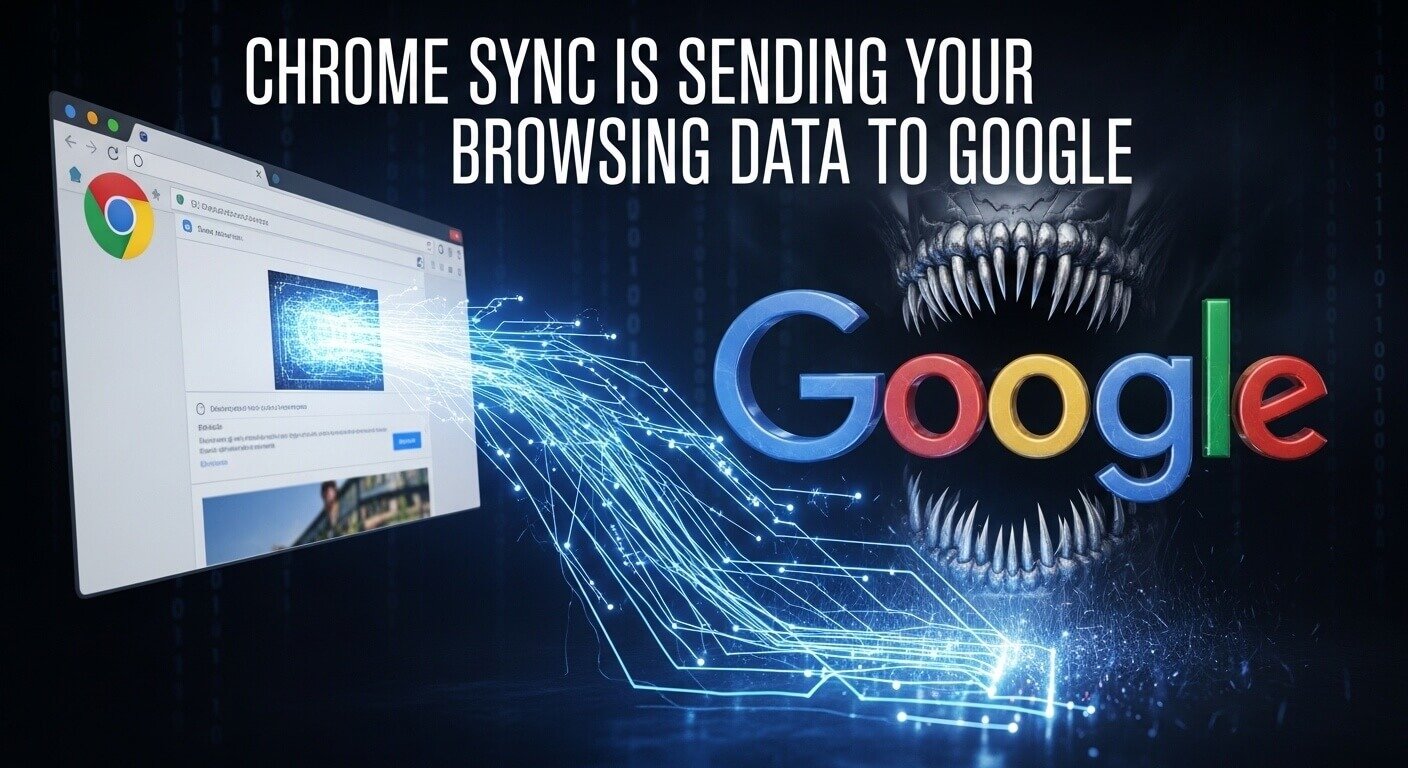
Chrome Sync uploads your browsing history, saved passwords, open tabs, bookmarks, and autofill data to Google’s servers whenever you’re signed into your Google account — by default, without a separate confirmation step. Most users enable it during initial setup and never revisit it.
You signed into Chrome with your Google account. Maybe it was to sync bookmarks between devices, or to save a password, or just because Chrome prompted you during setup, and it seemed convenient. What you may not have noticed is that sign-in also activated Chrome Sync, and Chrome Sync has been uploading a detailed record of your browsing behavior to Google ever since.
According to a 2022 audit by the open-source browser project Brave, Chrome transmits browsing data to Google at a rate that places it among the most data-intensive browsers available — even when users haven’t consciously opted into data sharing.
Chrome Sync isn’t a security vulnerability. It’s a feature working exactly as designed. That’s precisely what makes it worth understanding.
What Does Chrome Sync Actually Upload to Google?
Chrome Sync is Google’s cross-device continuity system. Sign in to Chrome on your laptop, and your history, tabs, and saved passwords appear on your phone. That convenience requires those items to live somewhere in between, on Google’s servers.
The data categories Chrome Sync collects by default include: browsing history, bookmarks, open tabs, saved passwords, payment methods, autofill entries, Chrome extensions, and your browser settings. Each of these uploads to your Google account remains stored there until you manually delete it or disable Sync entirely.
Google states that this data is used to personalize your experience and serve relevant ads across its platforms.
According to Google’s own Privacy Policy, data associated with your Google account can be used across Search, YouTube, Maps, and Google’s advertising network. Chrome Sync isn’t a standalone system — it feeds into a broader behavioral profile that Google builds and uses commercially.
Why Does Chrome Sync Have Access to This Much Data?
Chrome Sync works by treating your Google account as the central storage point for your browser state. Every time you visit a page, Chrome logs the URL to your account history. Every time you save a password, it uploads to Google Password Manager. Every open tab registers as an active session in your account.
The scope of this collection is partly architectural, it’s how syncing across devices works, and partly commercial. Google’s primary revenue stream is targeted advertising. The more it knows about your browsing behavior, the more precisely it can target ads across all of its properties.
Google does offer an optional end-to-end encryption layer for Sync data, called a sync passphrase. If you set one, your Sync data is encrypted before it leaves your device, and Google cannot read its contents.
What Are the Real Privacy Consequences of Leaving Chrome Sync On?
The practical consequence of Chrome Sync running on default settings is that Google holds a timestamped record of your browsing activity — every site you visited, when, and for how long — linked directly to your identity through your Google account.
This isn’t anonymous or aggregate data. It’s your account. That means it’s subject to data requests from law enforcement, accessible in the event of an account breach, and usable by Google for ad targeting across every platform where you’re signed into a Google product.
The profile that builds over months of Chrome Sync data is more detailed than most people’s search history alone, because it includes the sites you visited from search results, the ones you bookmarked, the ones you typed in directly, and the ones you were still reading three days later.
A 2023 report by the Norwegian Consumer Council found that Google’s data collection practices across its products create behavioral profiles that users have limited ability to audit, correct, or meaningfully opt out of. Chrome Sync is one of the primary data inputs feeding those profiles.
There’s a second layer to this exposure that Chrome Sync doesn’t touch at all: your network traffic. Chrome Sync handles what Google stores about your browsing. It doesn’t address what your traffic reveals in transit, your IP address, your location, or your connection metadata. Those remain visible at the network level regardless of any browser settings.
What Do Most Chrome Users Get Wrong About Their Privacy Settings?
The most common misunderstanding is treating Google account sign-in and Chrome Sync as two separate things. They aren’t, not by default. Signing into Chrome automatically activates Sync unless you click a small secondary option during the sign-in flow that most users skip.
A related misconception: that turning on a VPN while using Chrome stops Chrome Sync from operating. It doesn’t. Chrome Sync is a browser-level process. It uploads data over whatever network connection exists, including an encrypted VPN tunnel — directly to Google’s servers. PureVPN hides your IP address and encrypts your traffic from external observers, but it doesn’t interrupt Chrome’s communication with your own Google account.
The two operate on different layers and address different exposures:
- Chrome Sync sends your browsing history, passwords, and behavior to Google, a first-party data relationship between you and your browser vendor.
- Network-level tracking — IP logging, traffic analysis, and geolocation happen at the infrastructure layer, affecting every connection your device makes, in every browser, on every app.
A VPN addresses the second. Adjusting or disabling Chrome Sync addresses the first. Treating either one as a complete solution leaves the other exposure intact.
What Does Responsible Chrome Use Actually Look Like?
If you use Chrome and you use a Google account, you have two realistic options: configure Sync deliberately, or disable it and use a local profile instead.
Configuring Sync deliberately means going to chrome://settings/syncSetup and reviewing which data categories are active. Turn off browsing history and open tabs if cross-device continuity isn’t something you need.
If you do want Sync running, set a sync passphrase; this encrypts your data before it reaches Google’s servers, which means Google cannot read it. The option is under Settings → Sync and Google Services → Encryption options.
For users who want to stop Chrome Sync entirely, signing out of Chrome at chrome://settings and choosing “Don’t sync” removes the active upload connection without losing your local browser data.
Neither of these steps affects your network-level exposure. Your IP address, your DNS queries, and your connection metadata are visible at the infrastructure layer regardless of what your browser settings say. Those require a separate layer of protection.
How PureVPN Addresses the Exposure Chrome Sync Doesn’t Touch
Chrome Sync manages data at the browser-to-Google level. The network layer, every packet of traffic your device sends to every server it contacts, is a separate exposure surface entirely, and it’s one that no browser setting reaches.
When PureVPN is active, your internet traffic passes through an encrypted tunnel before it reaches the open internet. Your real IP address is replaced with one from PureVPN’s server network, so the sites you visit, the ads you’re served, and any third-party trackers embedded in pages you browse cannot log your actual location or identity.
Your DNS queries — the requests your device sends to resolve every domain you visit- route through PureVPN’s private DNS servers rather than being exposed in transit.
PureVPN’s kill switch reinforces this by cutting your connection the moment the VPN tunnel drops, preventing the brief unprotected windows that occur during network switches. For anyone who moves between home Wi-Fi, mobile data, and public networks, that automatic protection matters.
Chrome Sync Isn’t a Bug. That Makes It Worth Paying Attention To.
Chrome Sync works exactly as Google designed it — collecting, storing, and using your browsing data to maintain continuity across devices and improve advertising relevance. The fact that it operates as intended doesn’t make the data collection less real.
Every week, Chrome Sync runs on default settings, adding another layer to the behavioral profile Google holds under your account. Adjusting those settings takes less than five minutes and changes what Google can see. Leaving them untouched is a choice too, just not a deliberate one for most users.
The network layer operates in parallel, independently of anything inside the browser. Encrypting that layer means your traffic can’t be read in transit, your location stays private, and your identity at the IP level stays yours.